
Choose a style pack
Pick the look your agent draws a project's visuals in, Sketch, Clean or Blueprint, or have it make a style pack of your own.
A style pack sets the lines, the lettering and the colors of a project's visuals. Each project uses one pack, so every visual in it matches. Cues comes with three, and each uses your brand's main color as its accent.
Sketch is hand-drawn ink, like a whiteboard sketch, with plenty of white space and color only where it means something.
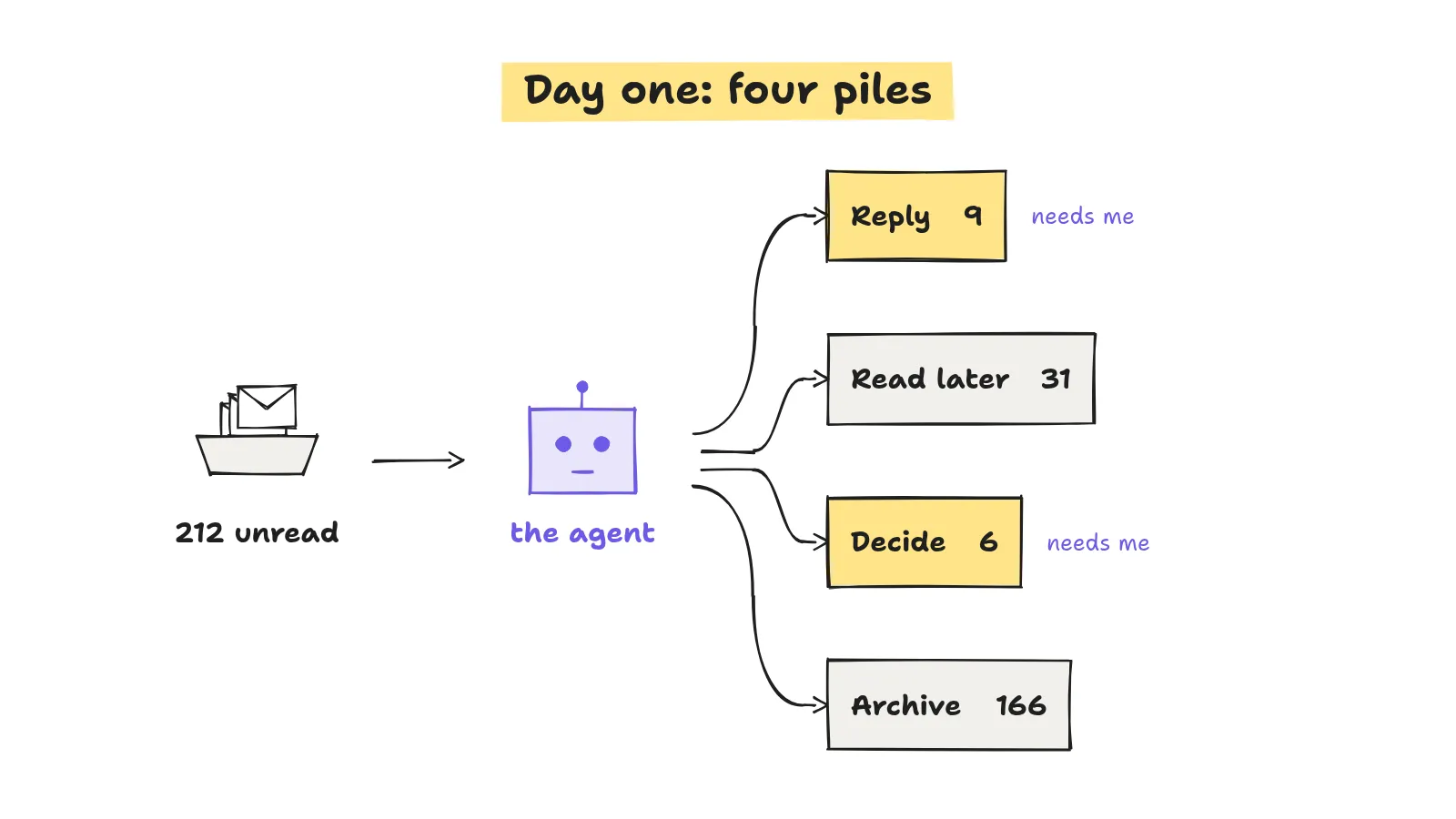
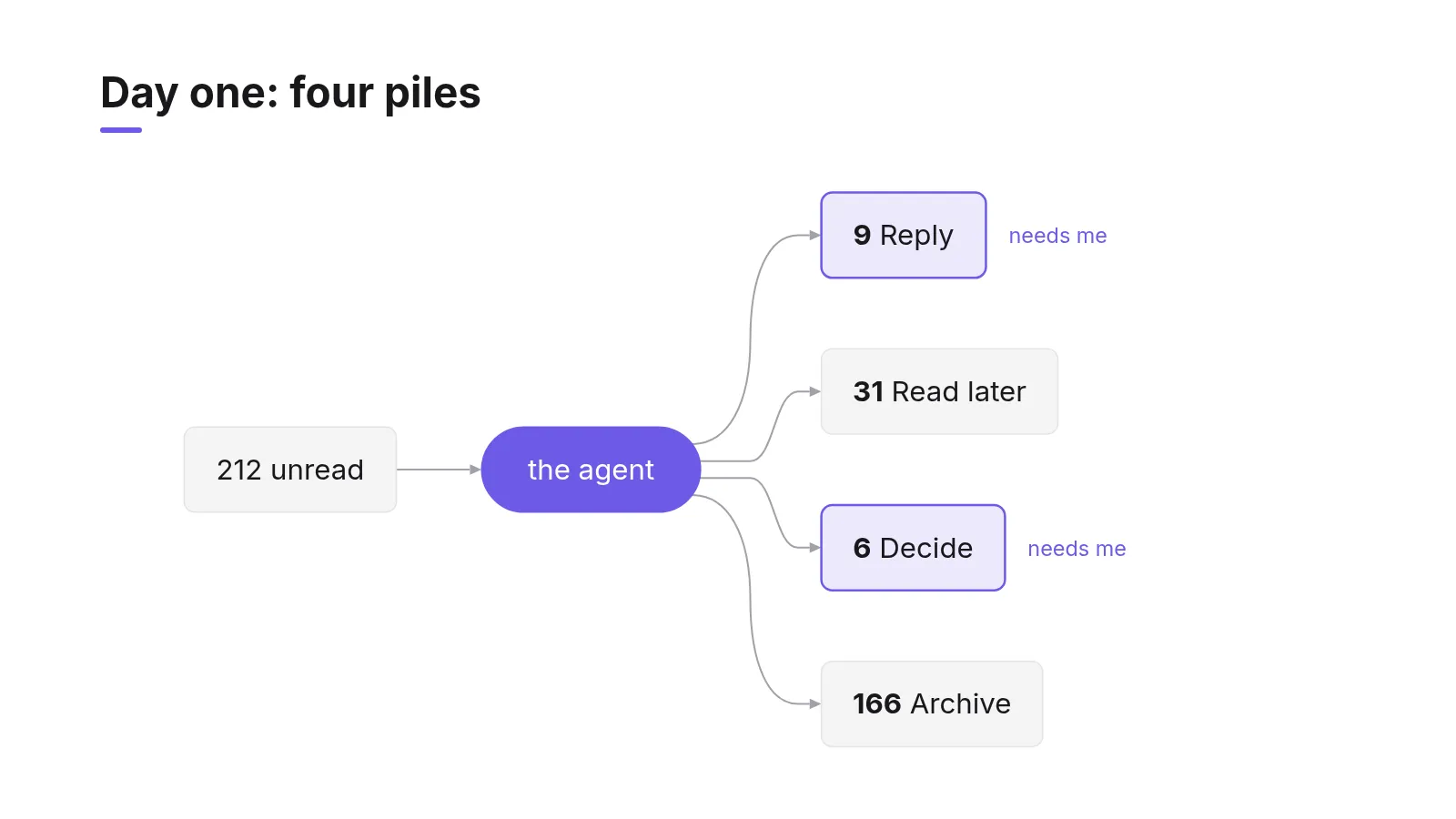
Clean is crisp and flat: rounded boxes, greys and one accent color, lettered in your brand's fonts.
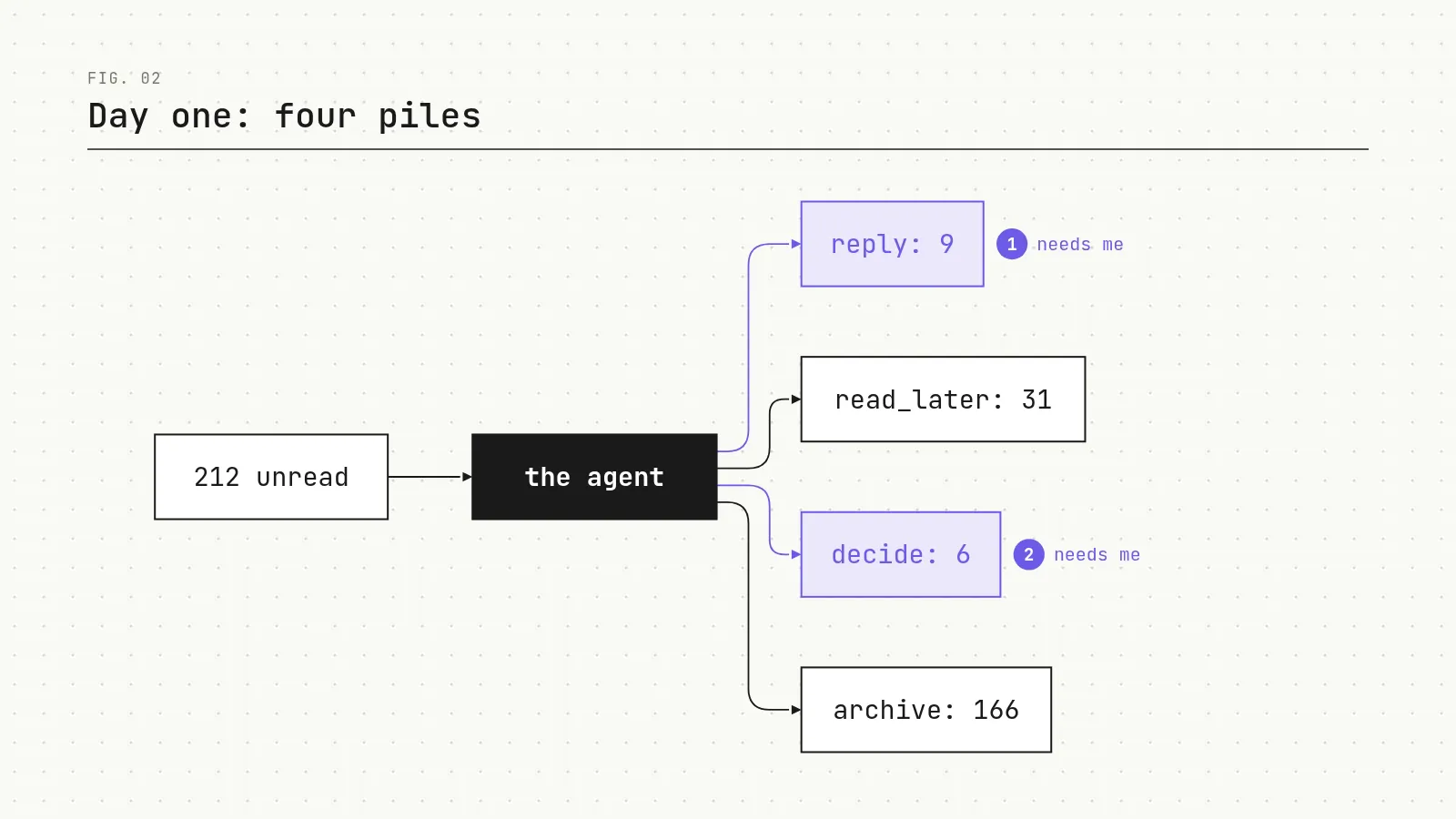
Blueprint is a technical notebook: a dot grid, monospaced lettering, thin straight lines and numbered figures.
Choose a project's pack
The first time your agent makes visuals for a project, it recommends a pack and asks you to choose.
To change it, ask your agent, such as "use Blueprint for this project". It offers to redo your visuals in the new pack, and the old ones stay in the project's visual library.
A style pack sets how visuals are drawn. Your video's fonts and colors, for Text on screen and captions, are in project settings.
Make your own pack
Ask your agent to "make a new style pack". It asks one question at a time, each with a suggestion you can take as it is: the name, the feel, fonts, colors, lines and shapes, and how pictures should look. Start from one of the three packs, or from scratch.
Then it draws test visuals in your pack and changes them from your feedback until you approve. To install a pack someone shared, give your agent the link to it.
Next: Use your own images and video. See also Make visuals with your agent.