
Talk to the camera without the retakes
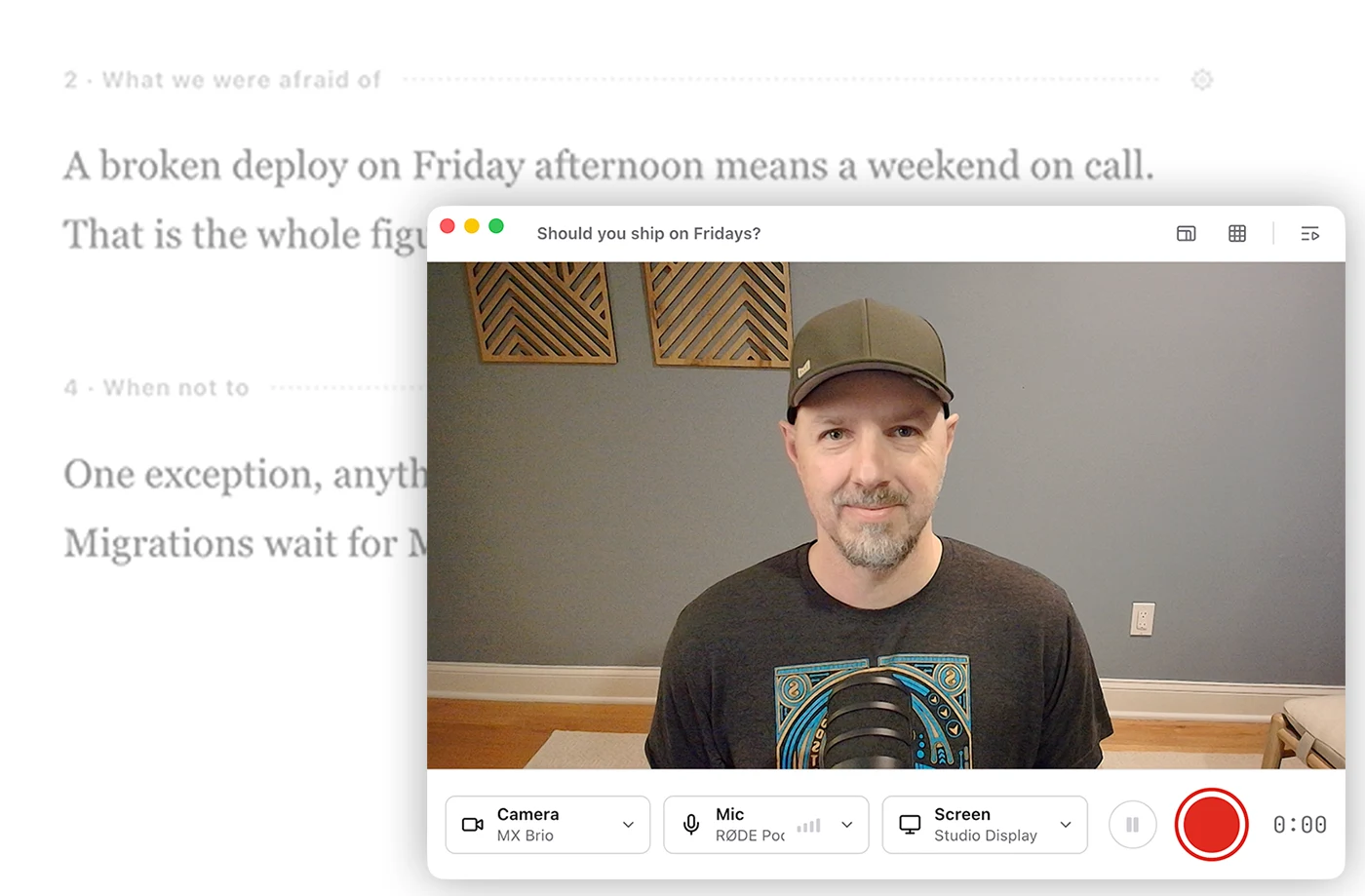
Cues shows your script one point at a time while you talk, and the ums and pauses come out in one step after.
Launch price: $50 off for life.Ends Dec 15th.
Cues shows your script one point at a time while you talk, and the ums and pauses come out in one step after.
Launch price: $50 off for life.Ends Dec 15th.
Bring your own agent


Memorize the script and you lose your place. Read it and you sound like you're reading.
Then the hours of cutting start.
Another retake, every time.
Every um, pause and restart, by hand.
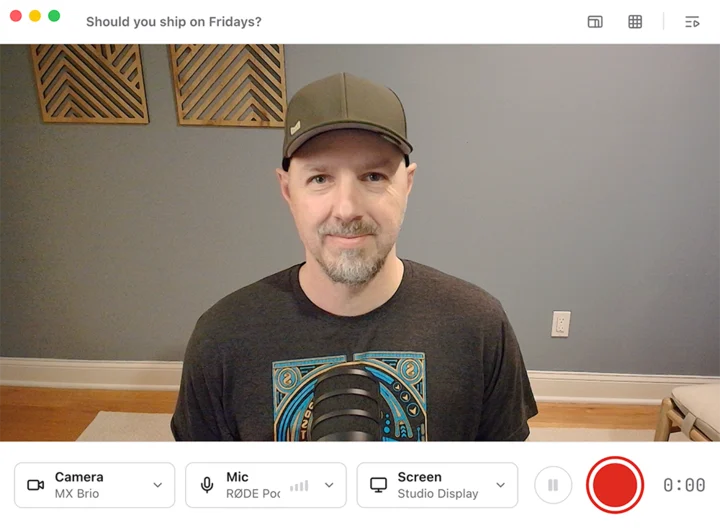
Ten minutes with nothing else to look at.
Give your agent an idea or your notes. It writes what you'll say, one point per cue.
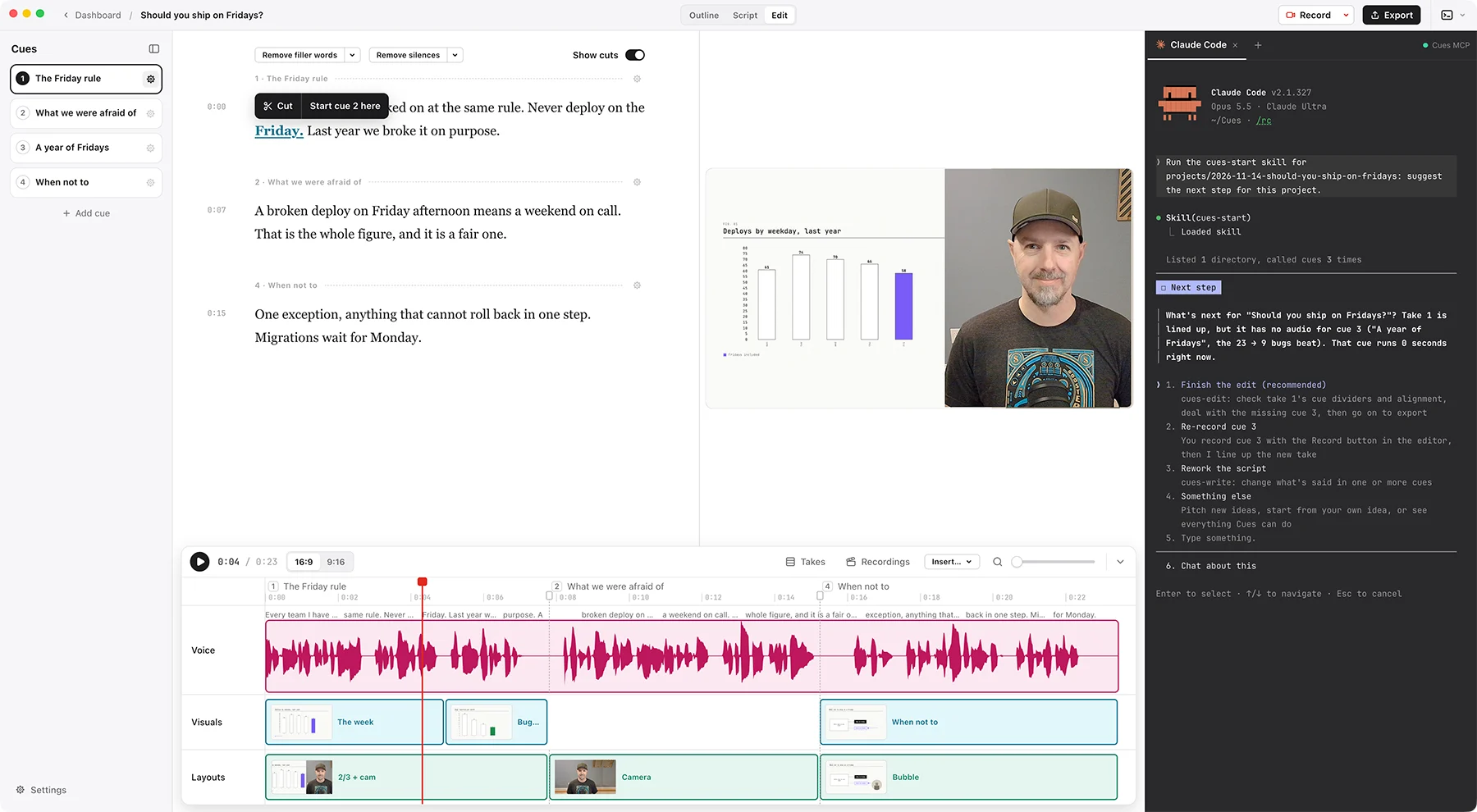
Your script sits under the current cue in large type, with the next one beside it.
Review the ums and pauses Cues finds, then cut them in one go. Your agent edits the rest with you.
Each cue is framed for landscape and vertical, then exported with captions burned in.
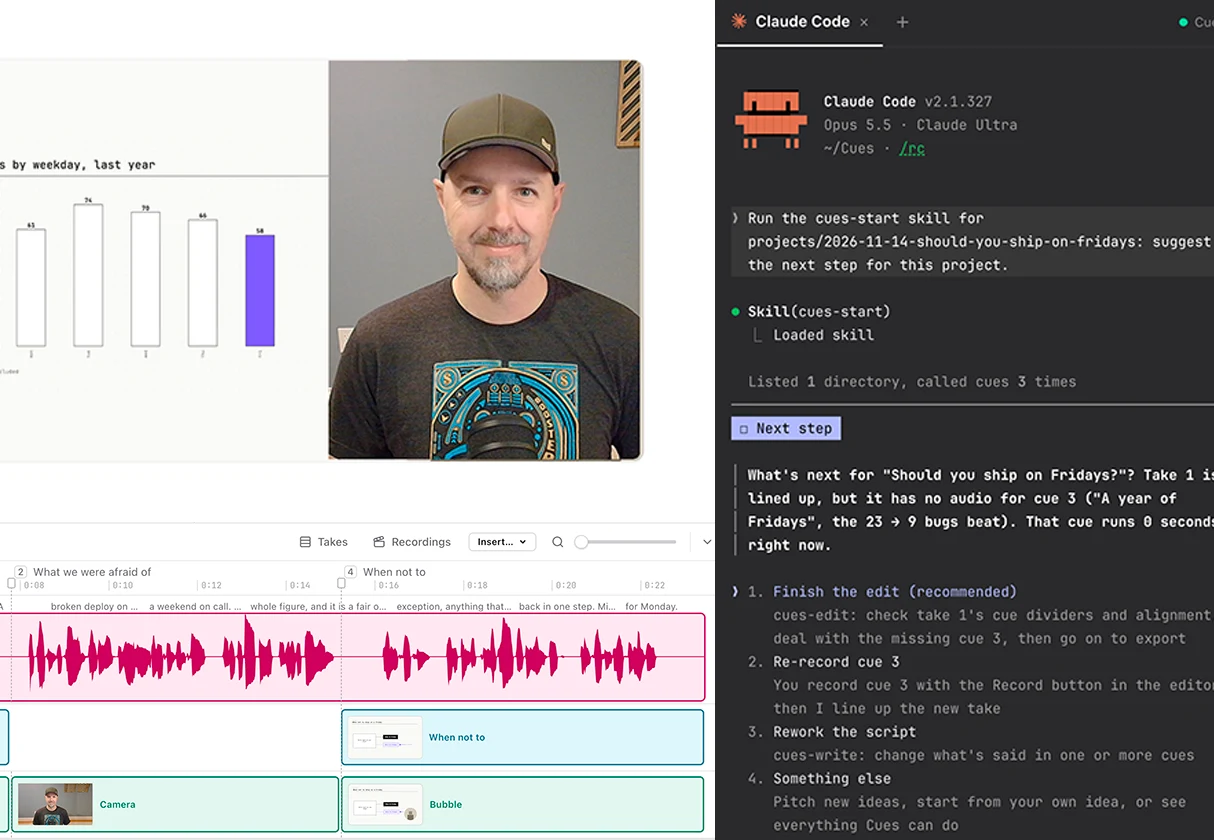
Claude Code, Codex or any agent puts a visual or a key line beside you, so a long talk has something to look at.
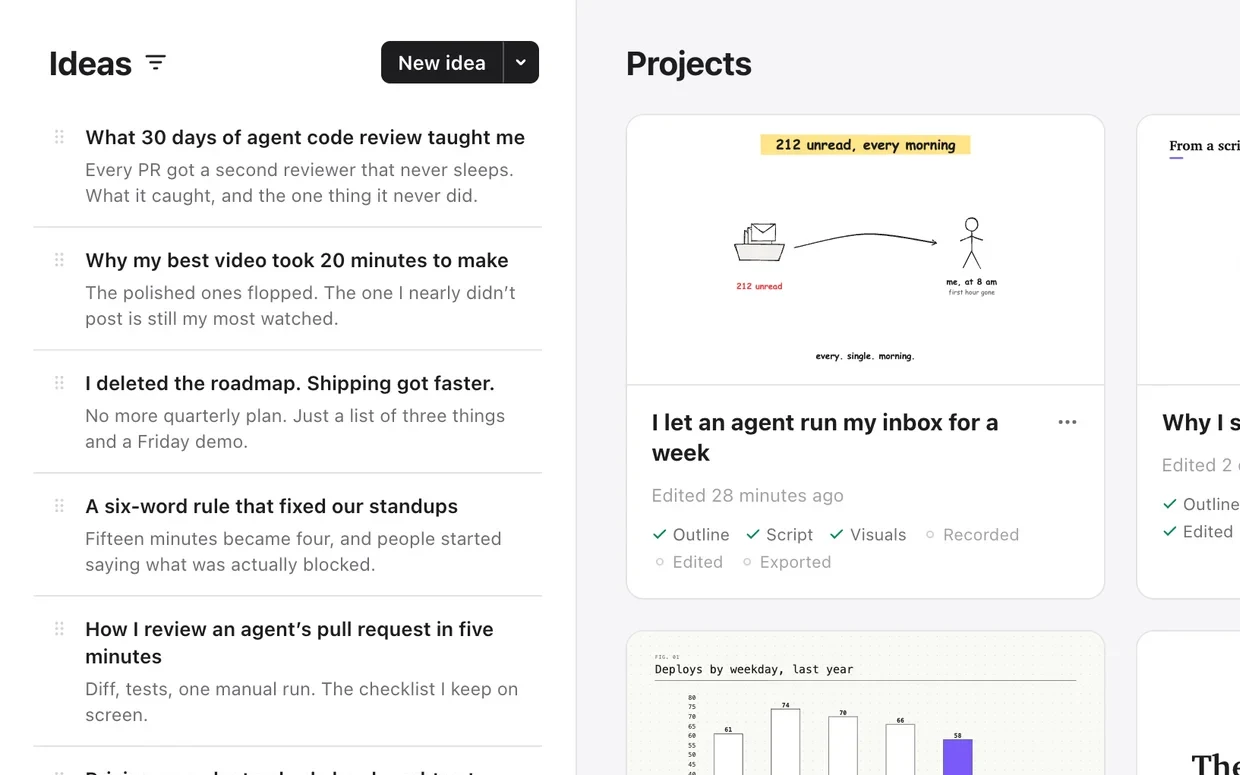
Save ideas as they come, or ask your agent to pitch a few. When one is ready, press Start.
Each cue is one point, so there's no page of script to memorize.
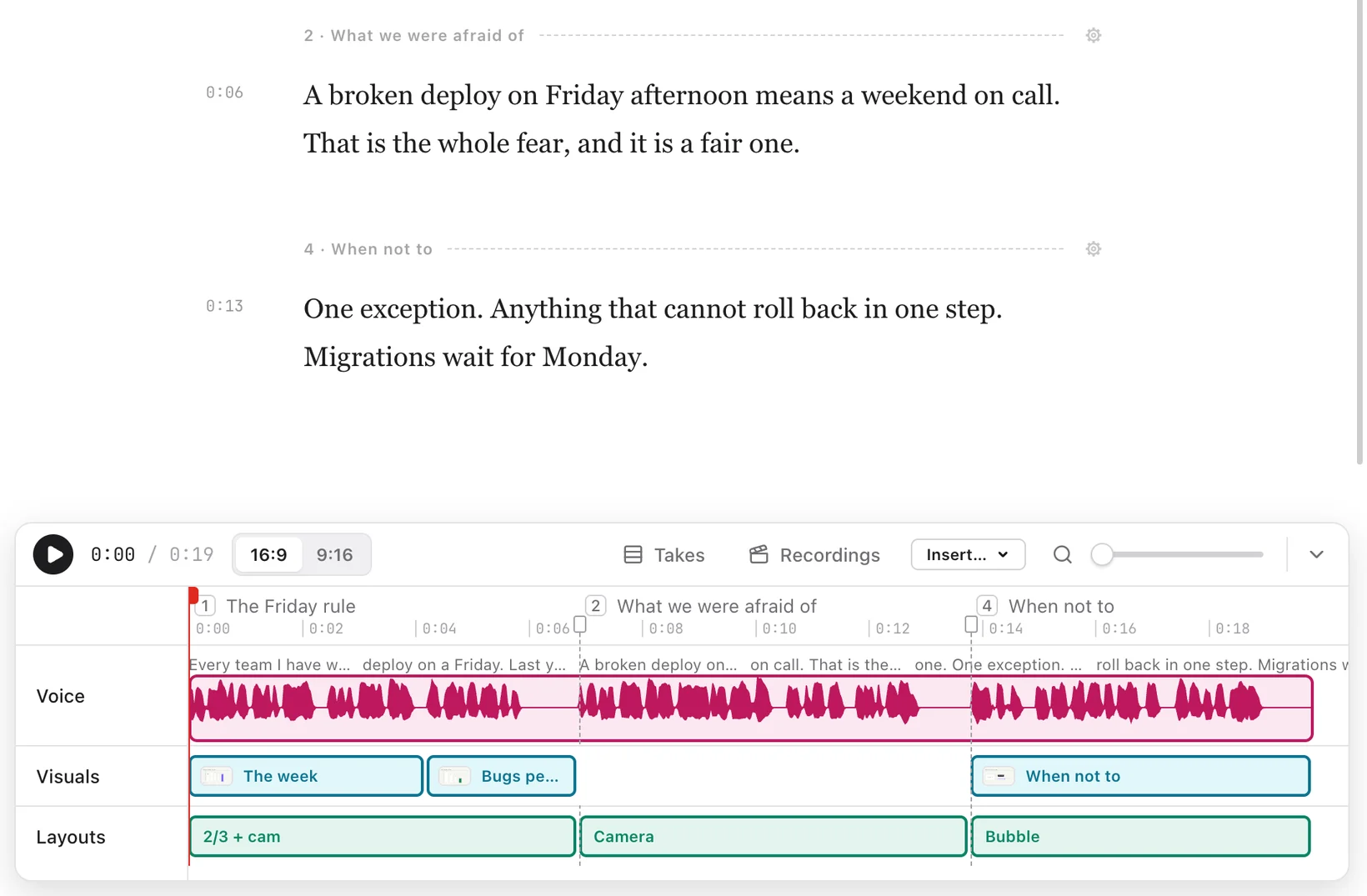
Go back to that cue and say it again. The video uses the new take there.
Claude Code, Codex or any agent, in the built-in terminal.
Record your screen with your camera, in the same take.
Lay out every cue for 16:9 and 9:16 from the start.
Delete words in the transcript to cut them from the video.
Ask your agent for edits, then keep or undo each one.
Pick takes and place visuals and layouts on your words.
Camera, mic and screen record as separate files, in sync.
Review the ums and silences Cues finds, then cut them in one go.
Change any shortcut in Settings.
Your agent makes each cue's visual in your style pack.
Frame each cue with a ready-made layout, and put text on screen.
Add smooth transitions and zooms to your videos.
You can edit videos with AI in any tool these days. Only Cues helps you create great videos end-to-end.
Your AI video studio on your Mac with the agent you already have.
14-day money-back guarantee.
Hi, I'm Brian. I make a lot of videos, and being on camera is never the hard part.
It's everything around it: working out what to say, getting through the take, then hours of cutting. Each one costs me an afternoon, sometimes a week, so I publish far less than I want to.
So I built Cues to hand that work to my agent. It shapes the story, draws the visuals and helps me cut. I just present it, one cue at a time, in my own words.
If that sounds like your week too, I'd love to see what you make with it. Write to me any time.
 Brian CaselCreator of Cues@casjam
A video of a person speaking to the camera, framed from about the chest up, explaining or telling something. Tutorials, lessons, updates and commentary are often made this way.
No. The current cue's script shows in large type while you record, so you only hold one point at a time.
Yes. Frame your camera once, or have your agent find your face, and every layout centers on it.
Yes. Every project starts with landscape (16:9) and vertical (9:16), and each exports as its own video.
No. It's you, on camera, in your own voice. Nothing is generated in your place.
Something else? Ask us.