
 By Brian Casel, who makes Cues
Pick Screen Studio for polished screen demos, Camtasia for long tutorials on a timeline, Tella for screen and camera you can rearrange later, and Descript to edit by editing the words. If it must be free, pick Takes for Mac or CapCut. Pick Cues if you work with Claude Code or Codex and want your agent to plan the story, the script and the visuals before you record.
Side by side
| Feature | Cues | Camtasia | CapCut | Descript | Screen Studio | Takes for Mac | Tella |
|---|---|---|---|---|---|---|---|
| Best for | Creators and educators who work with a coding agent | Tutorials in a traditional editor | Short-form social video editing | Transcript editing in a cloud editor | Polished screen recordings on Mac | A free script, teleprompter and agent edit | Screen and camera recording in the browser |
| Records camera and screen | Yes | Yes1 | Screen or webcam, in the web editor7 | Yes12 | Yes18 | Yes20 | Yes23 |
| Script or teleprompter | The presenter shows each cue's script | AI scripts (Create plan); no teleprompter named2 | AI script to video; no teleprompter named8 | Teleprompter (scrolls by time)13 | Speaker notes18 | Teleprompter that follows your voice20 | Teleprompter24 |
| How you edit | Transcript and timeline, with your agent | Multitrack timeline; transcript edits2 | Timeline; automatic captions8 | Edit the transcript; timeline14 | Automatic zoom; transcript edits18 | No timeline; your agent cuts the take21 | Timeline and transcript24 |
| Landscape and vertical | A layout per cue in 16:9 and 9:16; one export each | Wide, tall and square templates3 | Any aspect ratio8 | 16:9, 9:16, 1:1 or custom, one per project15 | 16:9, 1:1 and 9:16 from one take18 | Your agent makes the vertical version21 | Adjustable canvas size24 |
| Works with your AI agent | Your own agent, built in | ChatGPT plugin (Camtasia Online)4 | CapCut × Codex plugin for the ChatGPT desktop app; varies by region9 | Hosted connector, plus its Underlord agent16 | No18 | Local connector and skills; Claude Code or Codex on your plan21 | Hosted connector25 |
| Runs on | Mac, macOS 26 or later | Mac, Windows5 | Web, Windows, Mac, mobile10 | Mac, Windows, web12 | Mac18 | Mac (macOS 15 or later, Apple silicon)22 | Mac, Windows, web23 |
| Free plan or trial | No; a 14-day money-back guarantee | Free trial (watermark)6 | Free plan; 7-day Pro trial, no card11 | Free plan (60 media minutes a month, 720p)17 | No19 | Free22 | 7-day Pro trial, no card24 |
| Price for one person, per year | $149/year | Essentials $179.88; Create $2492 | Pro $179.99 ($19.99 monthly); varies by region11 | Hobbyist $192 ($16 a month yearly); Creator $28817 | $108 ($9 a month yearly); $29 monthly19 | Free (open source, MIT)22 | Pro $192 ($16 a month yearly); Premium $28824 |
- Camtasia website, checked 2026-11-24
- Camtasia store, checked 2026-11-24
- Camtasia Rev, checked 2026-11-24
- Camtasia Plugin for ChatGPT, checked 2026-11-22
- Camtasia system requirements, checked 2026-11-22
- Camtasia free trial limits, checked 2026-11-22
- CapCut online screen recorder, checked 2026-11-24
- CapCut Desktop, checked 2026-11-24
- CapCut × Codex (ChatGPT plugin), checked 2026-11-24
- CapCut llms.txt: products and platforms, checked 2026-11-24
- CapCut pricing, checked 2026-11-24
- Descript website, checked 2026-11-24
- Descript help: record with the built-in teleprompter, checked 2026-11-24
- Descript help: get started with Descript, checked 2026-11-24
- Descript help: aspect ratio, checked 2026-11-24
- Descript video editing MCP, checked 2026-11-24
- Descript pricing, checked 2026-11-24
- Screen Studio website, checked 2026-11-24
- Screen Studio pricing, checked 2026-11-24
- Takes teleprompter page, checked 2026-11-24
- Takes for Mac on GitHub, checked 2026-11-24
- Takes for Mac website, checked 2026-11-24
- Tella website, checked 2026-11-24
- Tella pricing, checked 2026-11-21
- Tella MCP, checked 2026-11-24
How we compared
We looked at what a video of you explaining something needs: your camera and screen together, a script to read, how you edit, landscape (16:9) and vertical (9:16) versions, where your AI agent fits, and the price for one person for a year.
Cues comes first because we make it. The others follow in alphabetical order. We cover only these seven apps, and all of them run on a Mac. Remotion and HyperFrames are left out because they don't record you.
Cues: your agent plans the video, you present it
Your agent, Claude Code, Codex or any agent, works inside Cues with your project open. It turns your idea into a story of cues, writes what you'll say in each one and draws its visual. It runs on the plan you already pay for, so Cues adds no extra AI, token or usage cost.
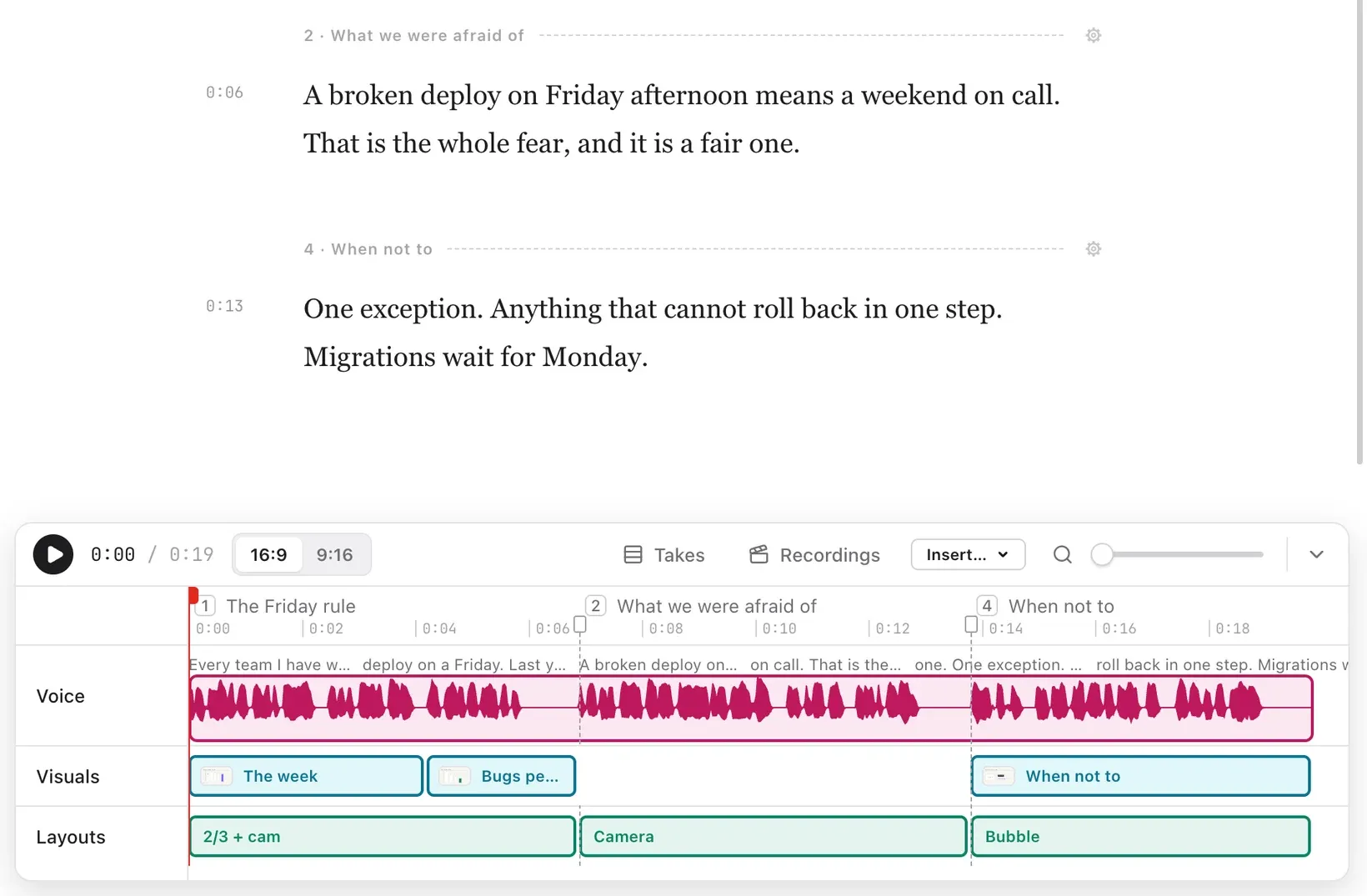
You record from the presenter, with the script under the current cue and the next cue beside it. When you stop, the take is already split by cue. Each cue has its own layout in landscape and vertical, and Cues exports one video per format. See Formats and layouts.
Camtasia: a deep timeline for long tutorials
Camtasia records your screen and webcam together, then you build the video on a multitrack timeline with callouts, cursor effects and zooms. It also edits by transcript, and its Create plan writes scripts from a prompt. It runs on Mac and Windows. See how Camtasia compares.
CapCut: free editing for short videos
CapCut has a free plan and runs on the web, Windows, Mac and phones. Its recorder, in the web editor, records your screen or your webcam. The desktop editor has a timeline, automatic captions and any aspect ratio you like. Its prices vary by region. See how CapCut compares.
Descript: edit the video by editing the words
Descript records your screen, camera and mic, then you edit the video by editing its transcript. Its teleprompter scrolls at a speed you set. One aspect ratio covers the whole video, and you can switch it. It runs on Mac, Windows and the web, with a free plan. See how Descript compares.
Screen Studio: polished screen demos with automatic zoom
Screen Studio adds automatic zooms and a smooth cursor to your screen recording, with your camera in one of several layouts. It shows your talking points as speaker notes while you record, edits by transcript and turns one take into wide, square and vertical videos. It's Mac only, and its site names no agent connection. See how Screen Studio compares.
Takes for Mac: a free teleprompter your agent edits from
Takes records your camera and screen at once, with a teleprompter under the camera that follows your voice. There's no timeline: your agent, such as Claude Code or Codex, cuts the take and makes the vertical version on the plan you already pay for. It's free and open source, needs Apple silicon and macOS 15 or later, and Apple hasn't notarized it yet.
Tella: screen and camera you can rearrange later
Tella records your screen and camera as separate tracks, so you can change the layout after recording. It lists a teleprompter, you edit on a timeline or in the transcript, and it runs on Mac, Windows and the web. Your agent can work it from outside the app through Tella's connector. See how Tella compares.
When Cues isn't the pick
- Windows or the browser: Cues needs macOS 26 or later. Camtasia, Descript and Tella run on Windows too.
- Free: Takes for Mac is free, and CapCut and Descript have free plans. Cues is $149 a year.
- Screen demos with no camera: Screen Studio is made for them.
- A general editor for long footage: Camtasia or Descript. Cues is made for videos of you explaining things.
Cues is also a teleprompter for one cue at a time. For a free way to start, see how to record yourself on a Mac.
Which one fits you
- You want your agent, such as Claude Code or Codex, inside the app with your project open
- You want the story, script and a visual for each cue ready before you press record
- You want the edit to start while you record
- You want each cue laid out for landscape and vertical, with one export per format
- You make long tutorials and want a deep multitrack timeline
- You work on Windows, or on a Mac that can't run macOS 26 or later
- You want a free plan
- You edit short videos on the web, a phone or a computer
- You want to edit the video by editing its transcript
- You work on Windows or in the browser as well as a Mac
- Your videos are mostly screen demos, and you want automatic zooms
- You want one take as wide, square and vertical videos
- You want a free teleprompter that follows your voice
- You're happy to let your agent cut the take, with no timeline
- You want to change your camera layout after recording
- You want an app on Mac, Windows or the web
Give your agent your notes, lock an outline of cues, then record your camera and screen from the presenter. Cues is $149 a year, with a 14-day money-back guarantee.
Buy NowQuestions
What's the best free screen recorder for Mac?
Takes for Mac is free and open source, and it records your camera and screen with a teleprompter. CapCut has a free plan, with its recorder in the web editor. Every Mac can also record its screen with Shift-Command-5. Cues has no free plan; it has a 14-day money-back guarantee.
Which Mac screen recorder has a teleprompter?
Takes for Mac has one that follows your voice, and Descript has one that scrolls at a speed you set. Tella lists a teleprompter among its recording features, and Screen Studio shows your talking points as speaker notes. In Cues, the presenter shows each cue's script under it, with the next cue beside it.
Which screen recorder works with Claude Code or Codex?
Cues has your agent built in: it works in the app's own terminal with your project open. Takes for Mac adds itself to Claude Code and Codex. Descript and Tella offer connectors your agent reaches from outside the app, and CapCut and Camtasia have plugins inside ChatGPT. Screen Studio names no agent connection.
- Camtasia website. Checked .
- Camtasia store. Checked .
- Camtasia system requirements. Checked .
- Camtasia Plugin for ChatGPT. Checked .
- Camtasia Rev. Checked .
- CapCut pricing. Checked .
- CapCut llms.txt: products and platforms. Checked .
- CapCut online screen recorder. Checked .
- CapCut Desktop. Checked .
- CapCut × Codex (ChatGPT plugin). Checked .
- Descript website. Checked .
- Descript pricing. Checked .
- Descript screen recorder. Checked .
- Descript help: get started with Descript. Checked .
- Descript help: record with the built-in teleprompter. Checked .
- Descript help: aspect ratio. Checked .
- Descript video editing MCP. Checked .
- Screen Studio website. Checked .
- Screen Studio pricing. Checked .
- Takes for Mac website. Checked .
- Takes teleprompter page. Checked .
- Takes for Mac on GitHub. Checked .
- Tella website. Checked .
- Tella pricing. Checked .
- Tella for Mac. Checked .
- Tella MCP. Checked .
We make Cues. Facts about the other apps come from the companies' own public pages, and we update this page when they change.