
Create better videos with your agent
Cues is the video studio with Claude (or any agent) built in. Go from idea to a finished video, one cue at a time.
Launch price: $50 off for life.Ends Dec 15th.
Cues is the video studio with Claude (or any agent) built in. Go from idea to a finished video, one cue at a time.
Launch price: $50 off for life.Ends Dec 15th.
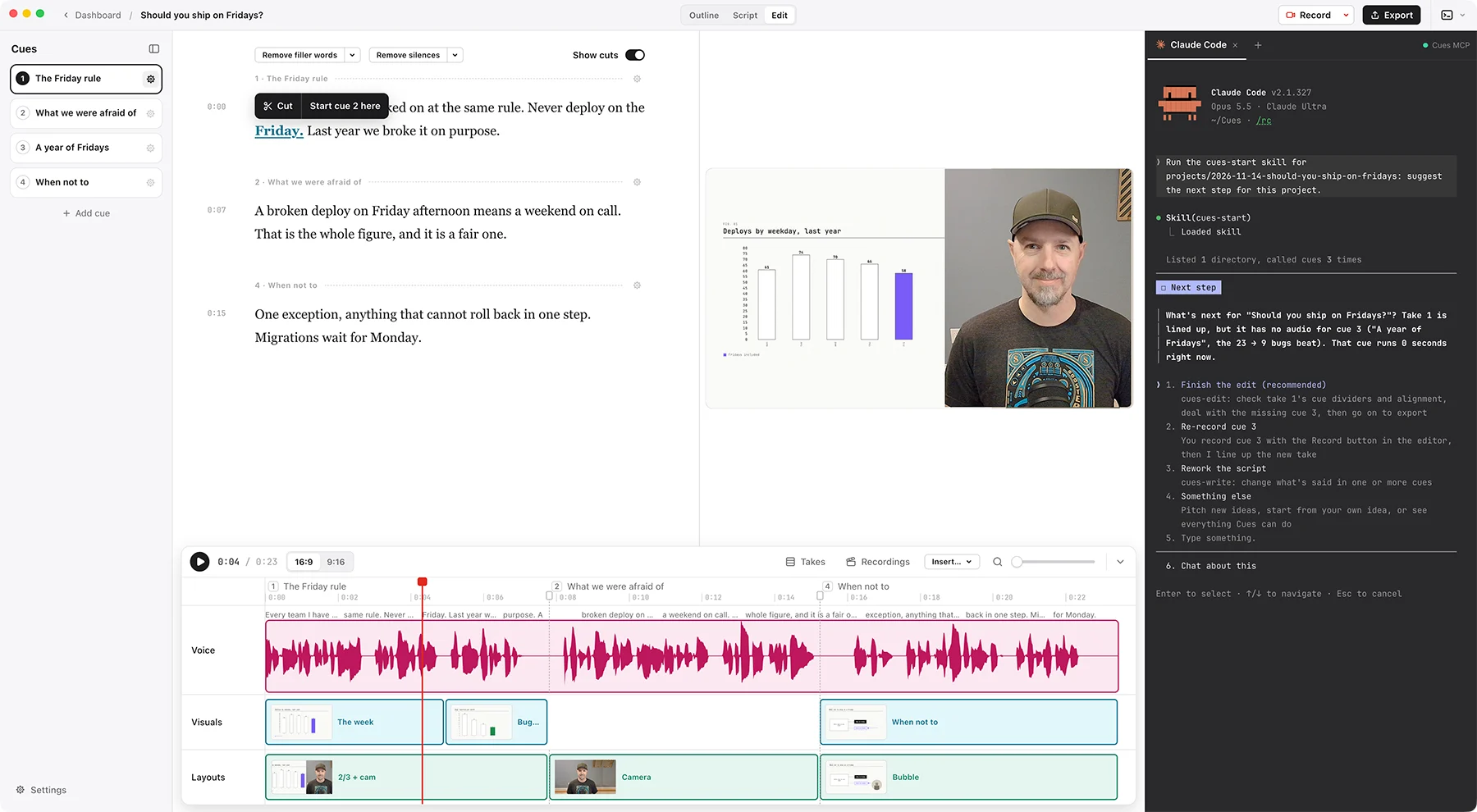
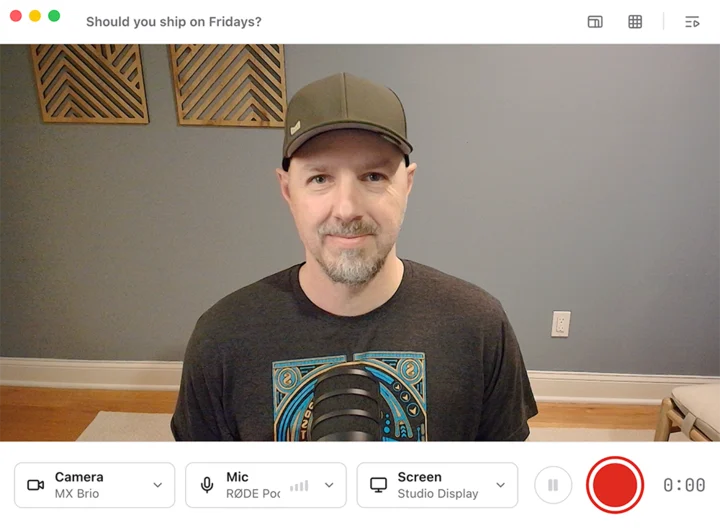
Bring your own agent


AI was supposed to make video editing easy, right?
It turns out AI can edit a video or generate slop. But creating something you're proud to share? That still costs you days of effort.
The hard parts are still yours.
A blank page before you can hit record.
Lost places, retakes and a script you can't see.
Creating visuals to make your point. Stressing over every cut.
Your agent turns a raw idea into beats, visuals, and cue cards for you to read from.
Read off cues and record straight to your Mac. Try a few takes and pick your best.
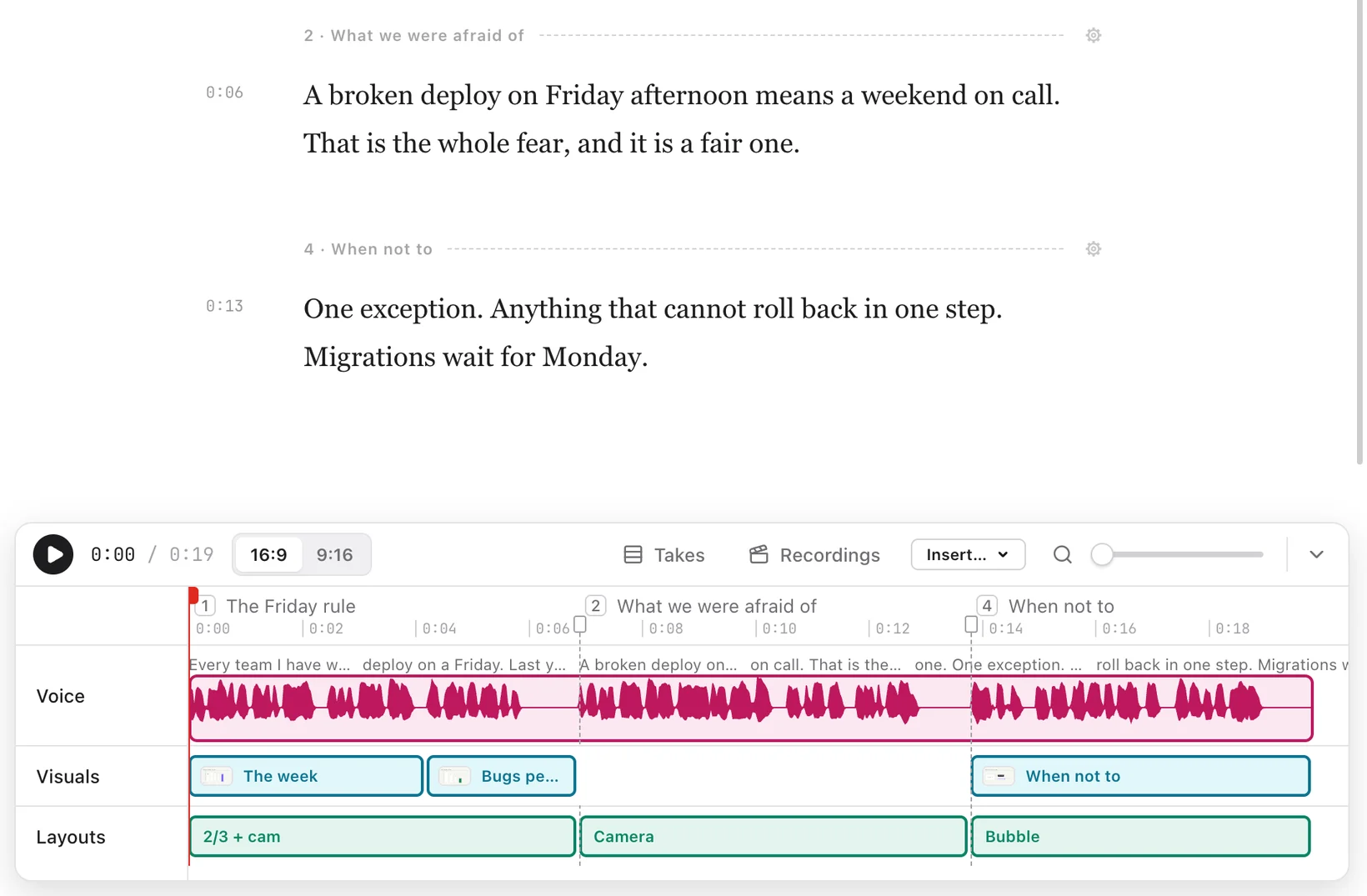
Have your agent edit your video, or edit by hand in the transcript or timeline.
Export to every format so you can publish to every platform.
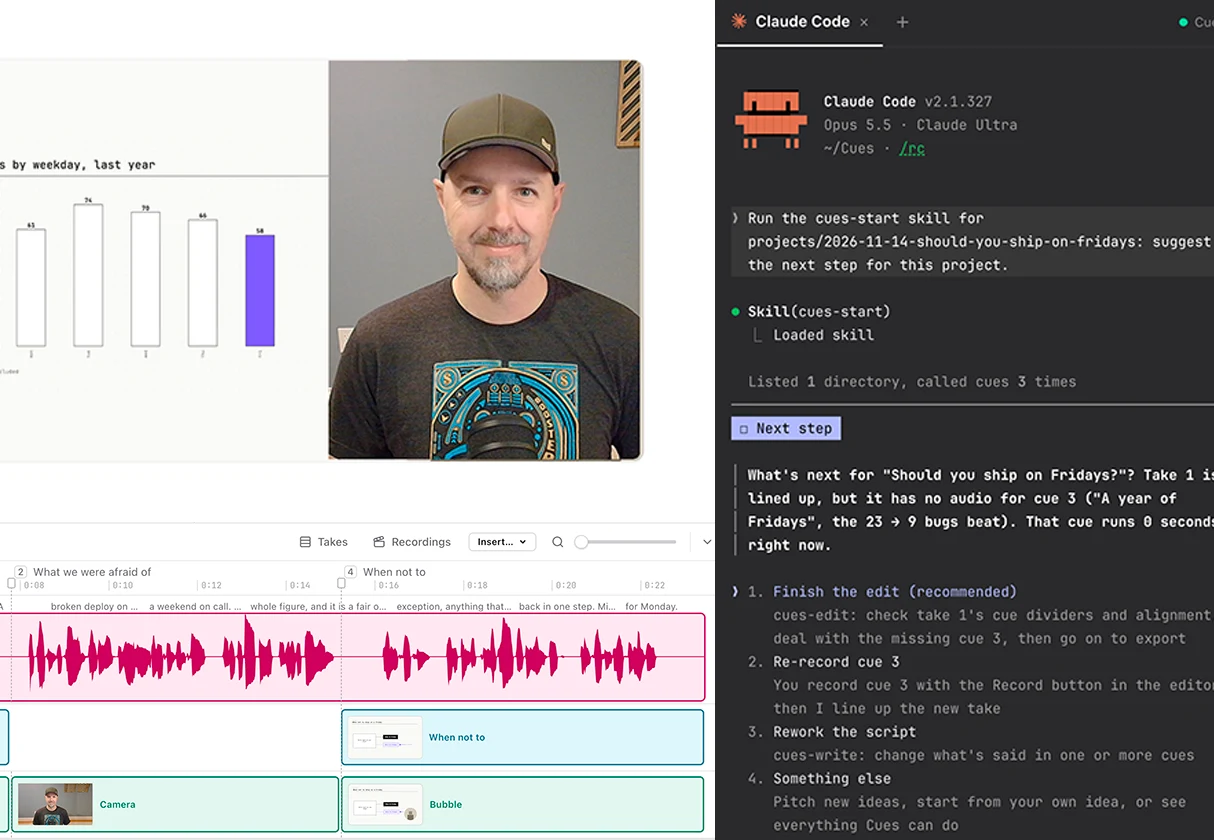
Claude Code, Codex or any agent works in Cues with your project open. Every change shows as it happens, ready to keep or undo.
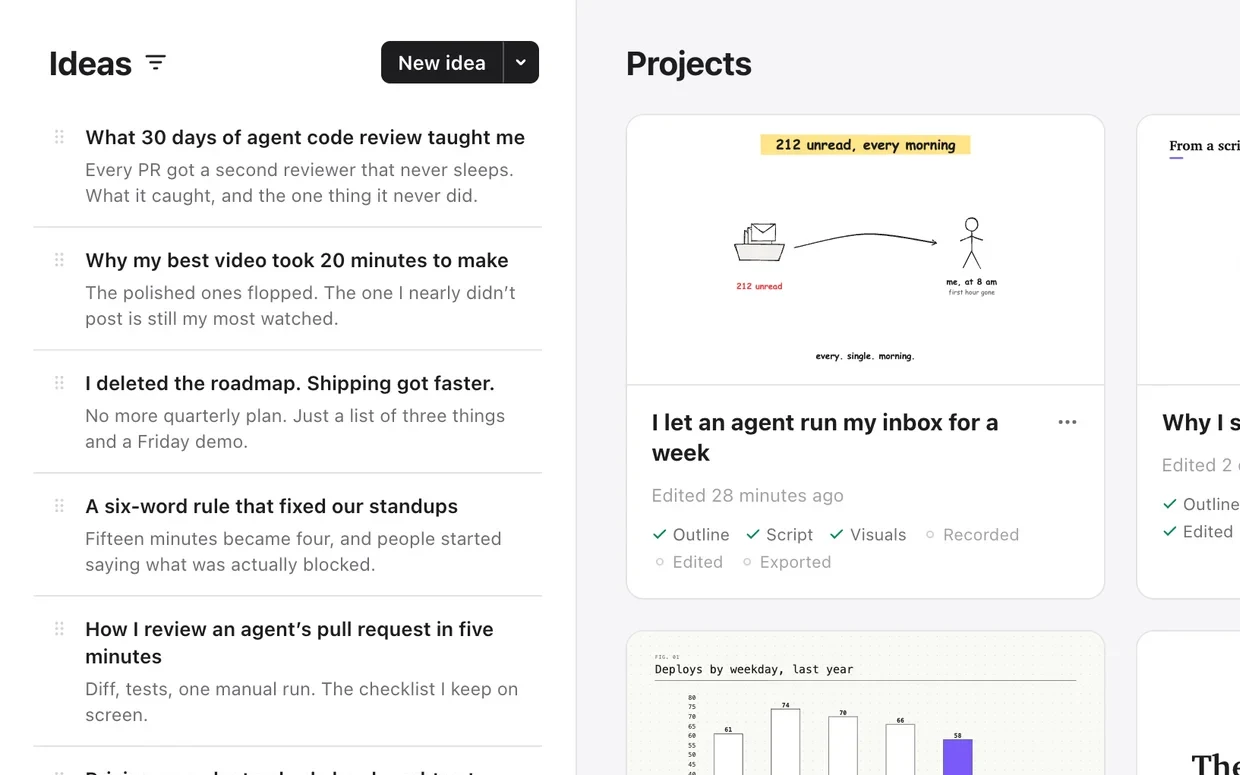
Add an idea in a second, or ask your agent to pitch a few. When one is ready, press Start and shape it into a video together.
Your recordings save instantly and drop right into Cues for fast editing.
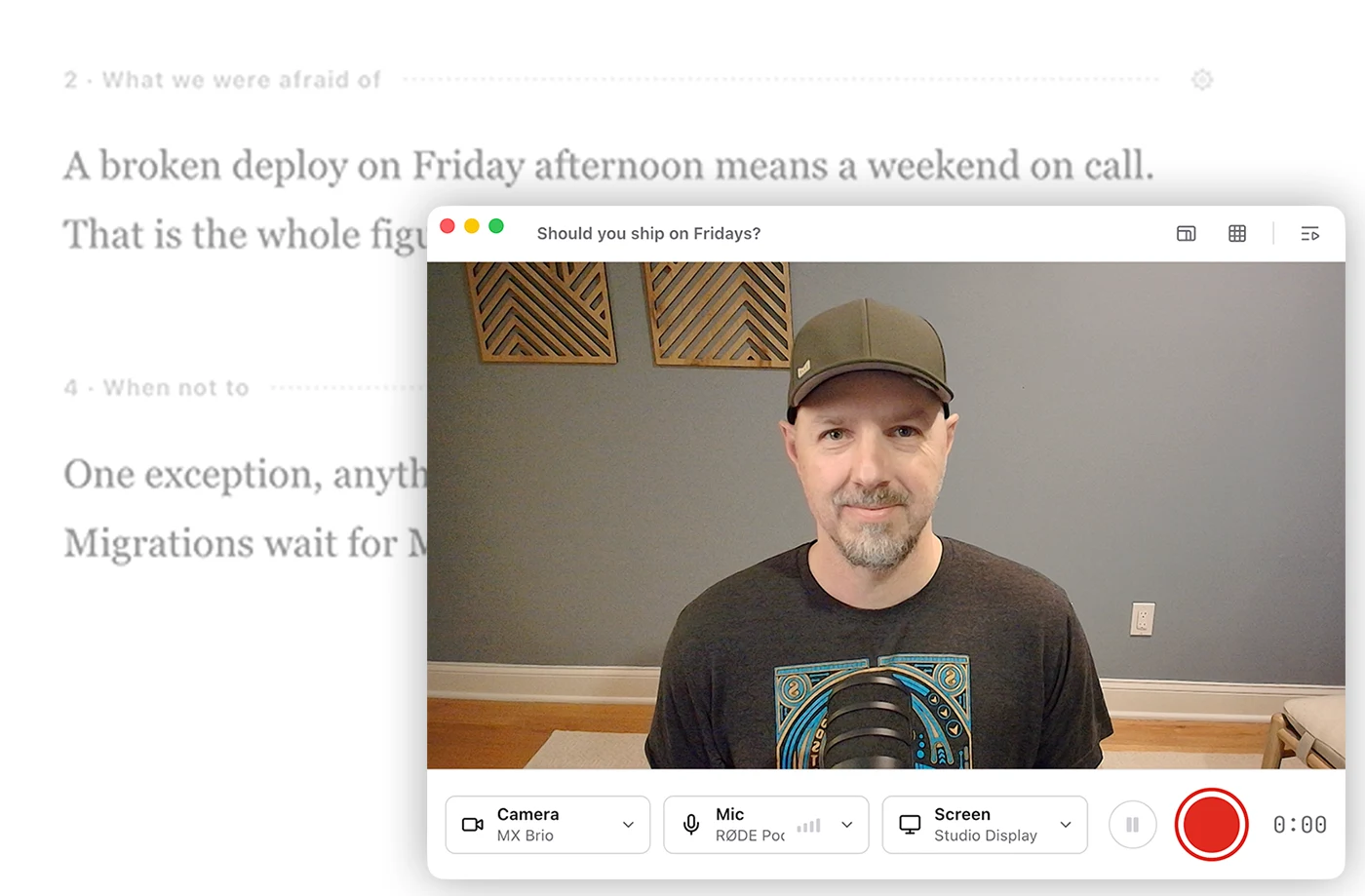
Mostly edited by the time you're done recording. Polish the rest with AI or by hand.
Claude Code, Codex or any agent, in the built-in terminal.
Record your screen with your camera, in the same take.
Lay out every cue for 16:9 and 9:16 from the start.
Delete words in the transcript to cut them from the video.
Ask your agent for edits, then keep or undo each one.
Pick takes and place visuals and layouts on your words.
Camera, mic and screen record as separate files, in sync.
Review the ums and silences Cues finds, then cut them in one go.
Change any shortcut in Settings.
Your agent makes each cue's visual in your style pack.
Frame each cue with a ready-made layout, and put text on screen.
Add smooth transitions and zooms to your videos.
You can edit videos with AI in any tool these days. Only Cues helps you create great videos end-to-end.
Your AI video studio on your Mac with the agent you already have.
14-day money-back guarantee.
Hi, I'm Brian. I make a lot of videos, and being on camera is never the hard part.
It's everything around it: working out what to say, getting through the take, then hours of cutting. Each one costs me an afternoon, sometimes a week, so I publish far less than I want to.
So I built Cues to hand that work to my agent. It shapes the story, draws the visuals and helps me cut. I just present it, one cue at a time, in my own words.
If that sounds like your week too, I'd love to see what you make with it. Write to me any time.
 Brian CaselCreator of Cues@casjam
It's your video, made with AI's help. Most people record themselves, and you can bring in other footage too. Your agent helps write it, makes the visuals and does the edit with you.
Claude Code, Codex or any agent you run in Cues's built-in terminal.
No. Cues uses the agent plan you already have, with no extra AI, token or usage cost.
Nope. It's free, done right on your Mac with macOS speech recognition.
No. Your agent sets Cues up with you, suggests where to start and does the cutting with you.
Yes. Cues works with any camera and mic you have connected to your Mac.
Yes. Your camera, mic and screen record as separate tracks, and all of it saves directly on your Mac, instantly.
No. Cues comes with a 14-day money-back guarantee instead.
Up to 3. Your license covers you on up to 3 Macs.
Cues is a Mac app for macOS 26 or later. Your projects and recordings stay on your Mac.
Something else? Ask us.